1. Export a CSV file from Live Timecode Notes app
Open the project in the app, then select "Export Notes" from the top menu. Select "CSV". Generate and save the file.

2. Import the CSV file into Numbers
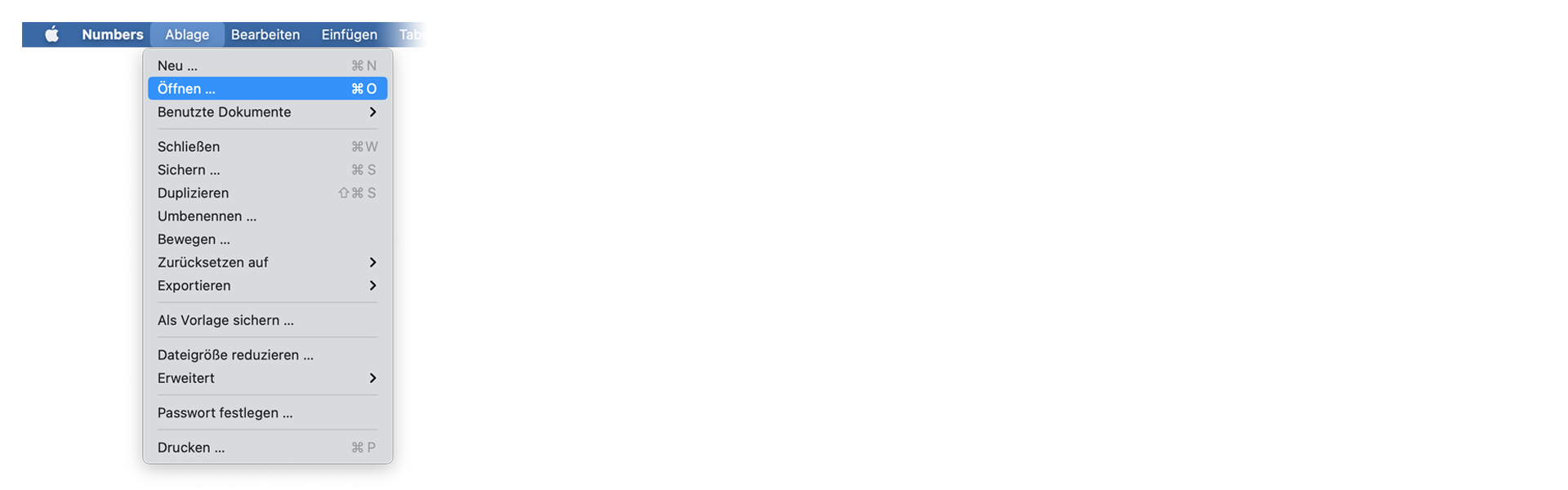
Open Numbers and go to "File -> Open". Simply open the CSV file.
🚀 Hotovo
To je zatím vše! Pokud vám byl tento návod užitečný, sdílejte jej prosím a podpořte nás. Pokud máte návrhy, jak bychom mohli workflow vylepšit, dejte nám prosím vědět!