1. Export a CSV file from Wipster.io
To export comments from Wipster.io, select the video and open the menu via the download icon. Select "Export comments to csv" to export the comments.
2. Use the "Převodník značek" to convert the CSV file into a CSV file
Open the free Převodník značek, select "Wipster.io > Comments (.csv)" and set "convert" to "CSV for Apple Numbers". Generate and download the file. Pokud máte s převodem souboru problémy, můžete kontaktovat bezplatnou podporu.
3. Import the CSV file into Numbers
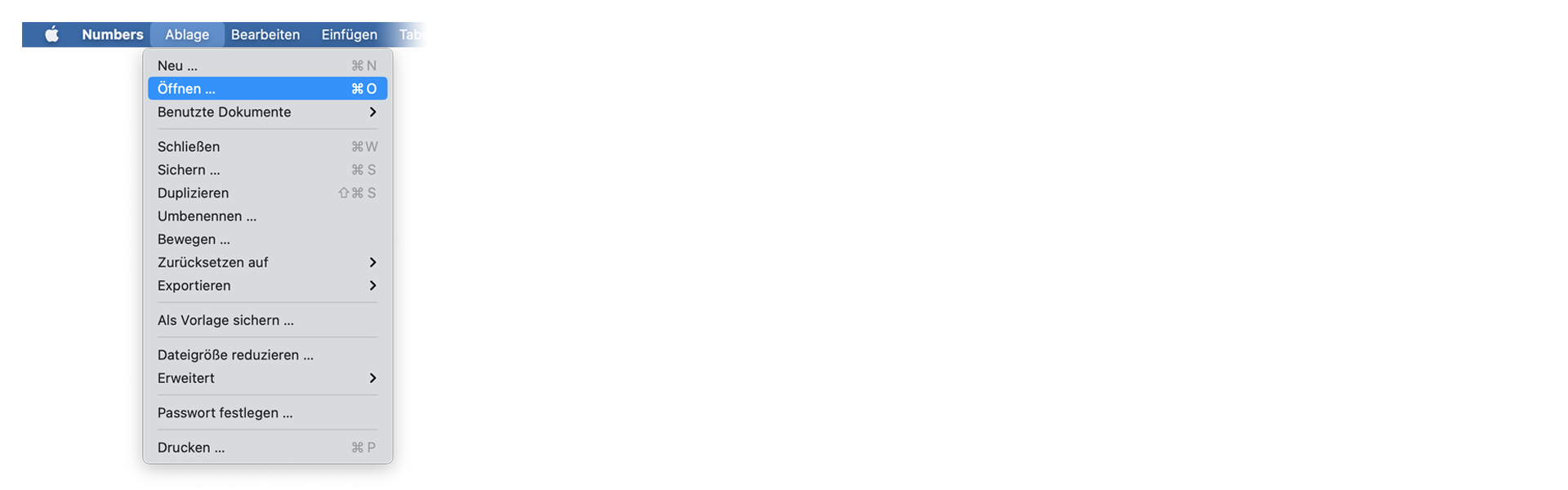
Open Numbers and go to "File -> Open". Simply open the CSV file.
🚀 Hotovo
To je zatím vše! Pokud vám byl tento návod užitečný, sdílejte jej prosím a podpořte nás. Pokud máte návrhy, jak bychom mohli workflow vylepšit, dejte nám prosím vědět!