1. Use the "Nástroj a konvertor titulků" to convert a SUB subtitle file into a CSV file
Open the free Nástroj the konvertor titulků, select "SUB" and set "convert" to "CSV for Apple Numbers". Generate and download the file. Pokud máte s převodem souboru problémy, můžete kontaktovat bezplatnou podporu.
2. Import the CSV file into Numbers
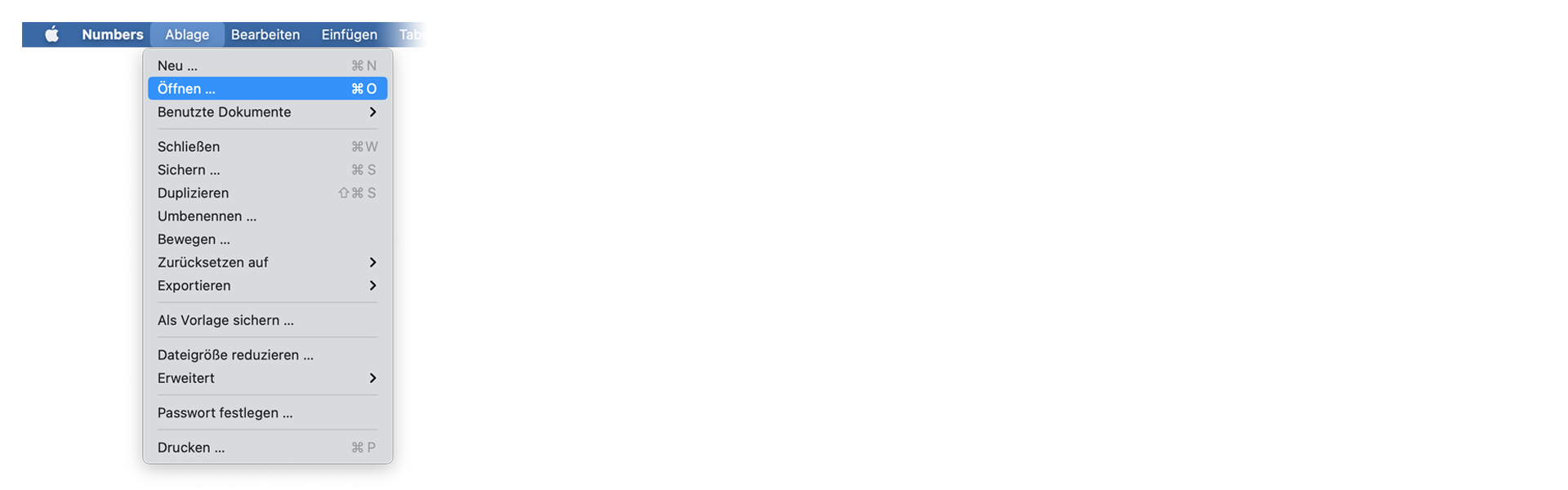
Open Numbers and go to "File -> Open". Simply open the CSV file.
🚀 Hotovo
To je zatím vše! Pokud vám byl tento návod užitečný, sdílejte jej prosím a podpořte nás. Pokud máte návrhy, jak bychom mohli workflow vylepšit, dejte nám prosím vědět!